

Measurement Video

Use your phone's camera:
- Scan the QR code and follow the link
- Tap the AR icon
- Follow the on-screen instructions
Need Help? 1‑800‑336‑9136
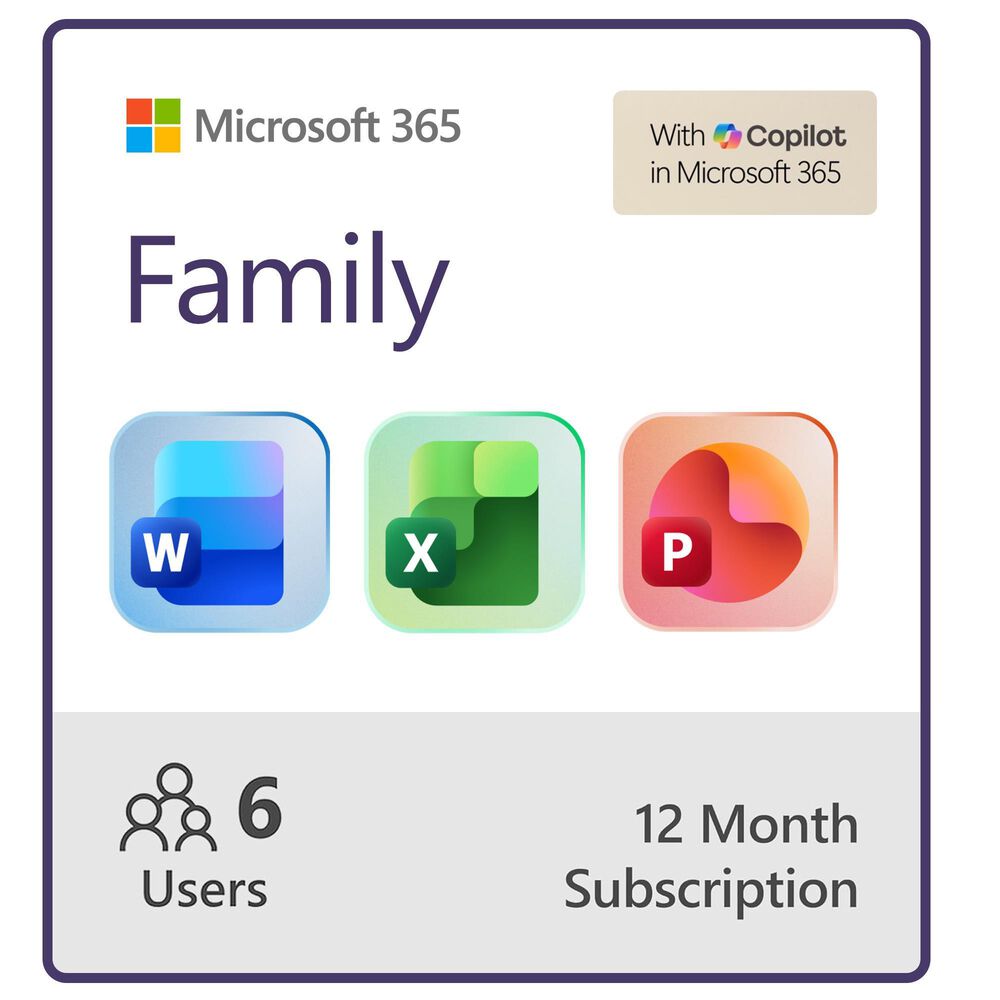


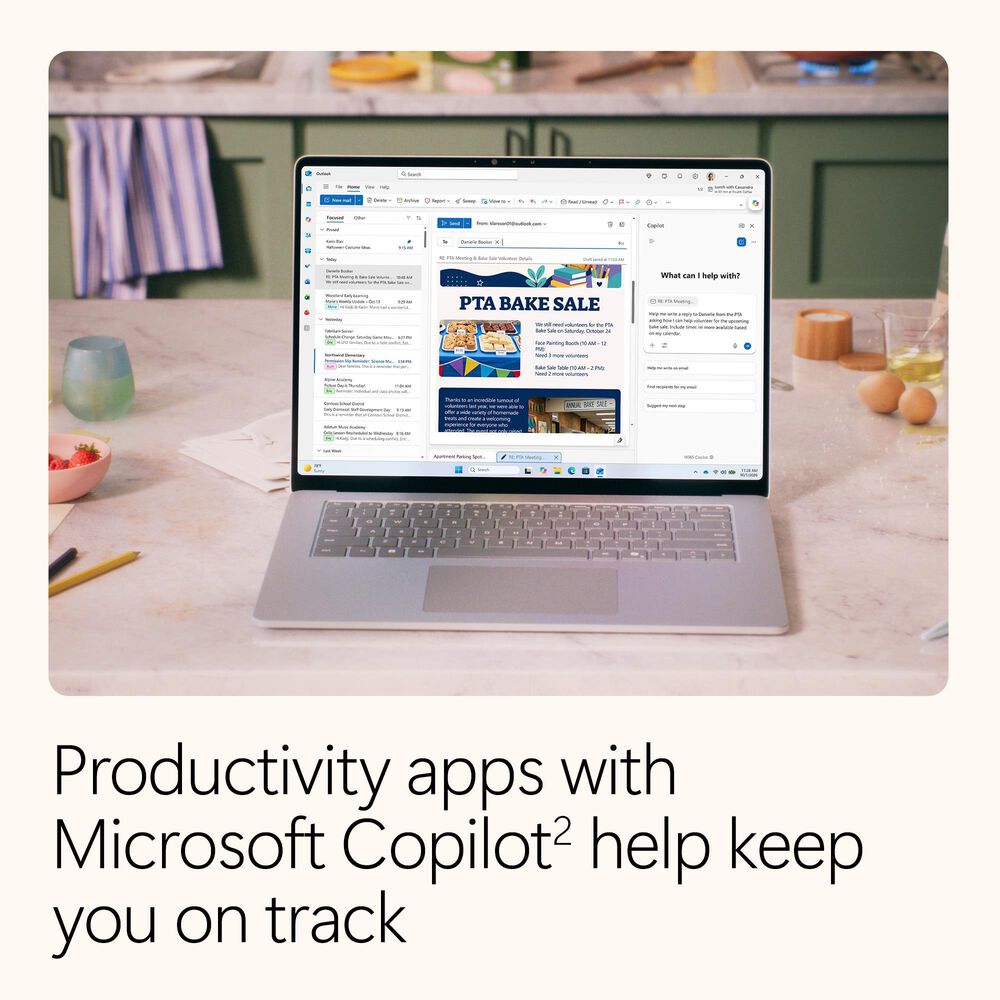
Microsoft 365 Family includes advanced security, cloud storage, and innovative apps with Microsoft Copilot. For 1-6 people.
- On Display in Omaha Store
- at the Appliance & Electronics Building
- In Stock in Omaha Store Only 2 Left!
- Drive Thru & Pick Up Today!


If you do not feel that the merchandise you purchased is appropriate in your home, you may return the item for an exchange, credit, or refund.
Most items must be returned within 30 days, with the following exceptions: 14 days for appliances, computers, tablets, and wireless phones; and 120 days for mattresses.
View our full policyBring It All Together
Customers Also Viewed
- For 1 to 6 people (AI features for subscription owner only)
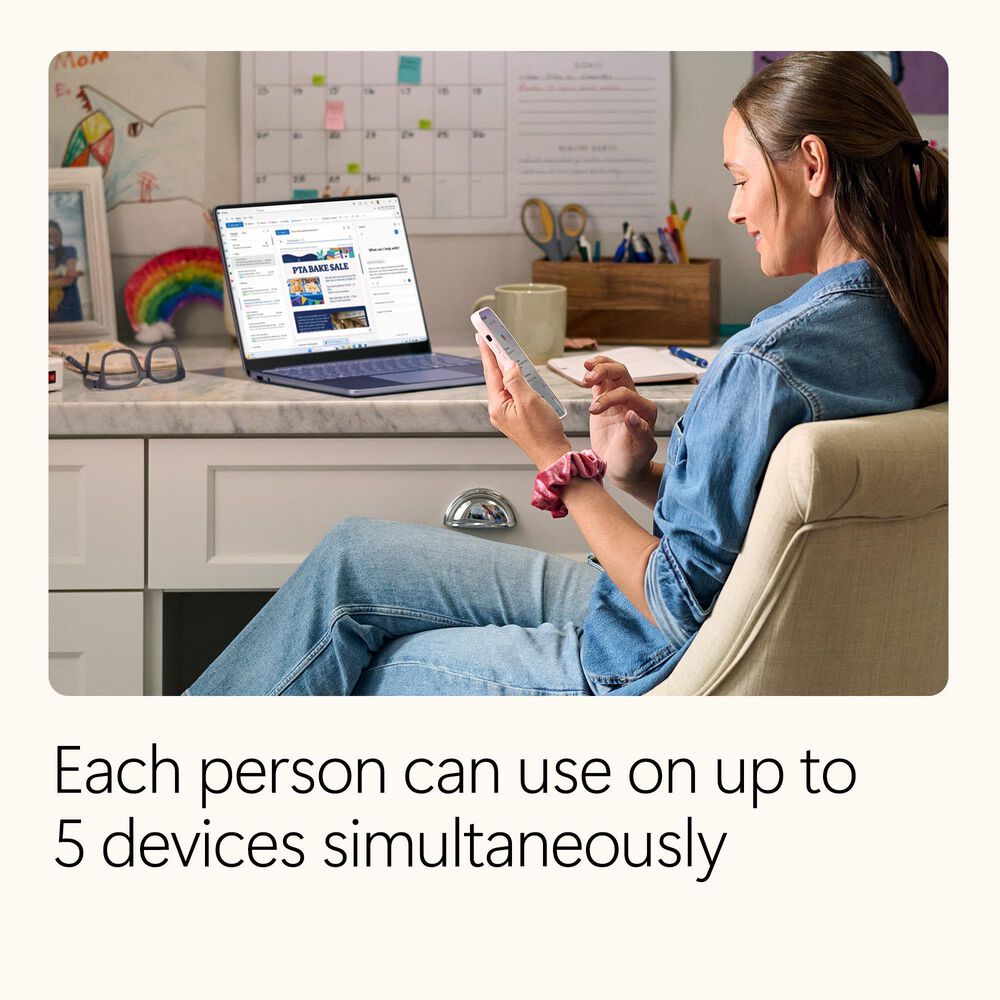
- Each person can use on up to 5 devices simultaneously
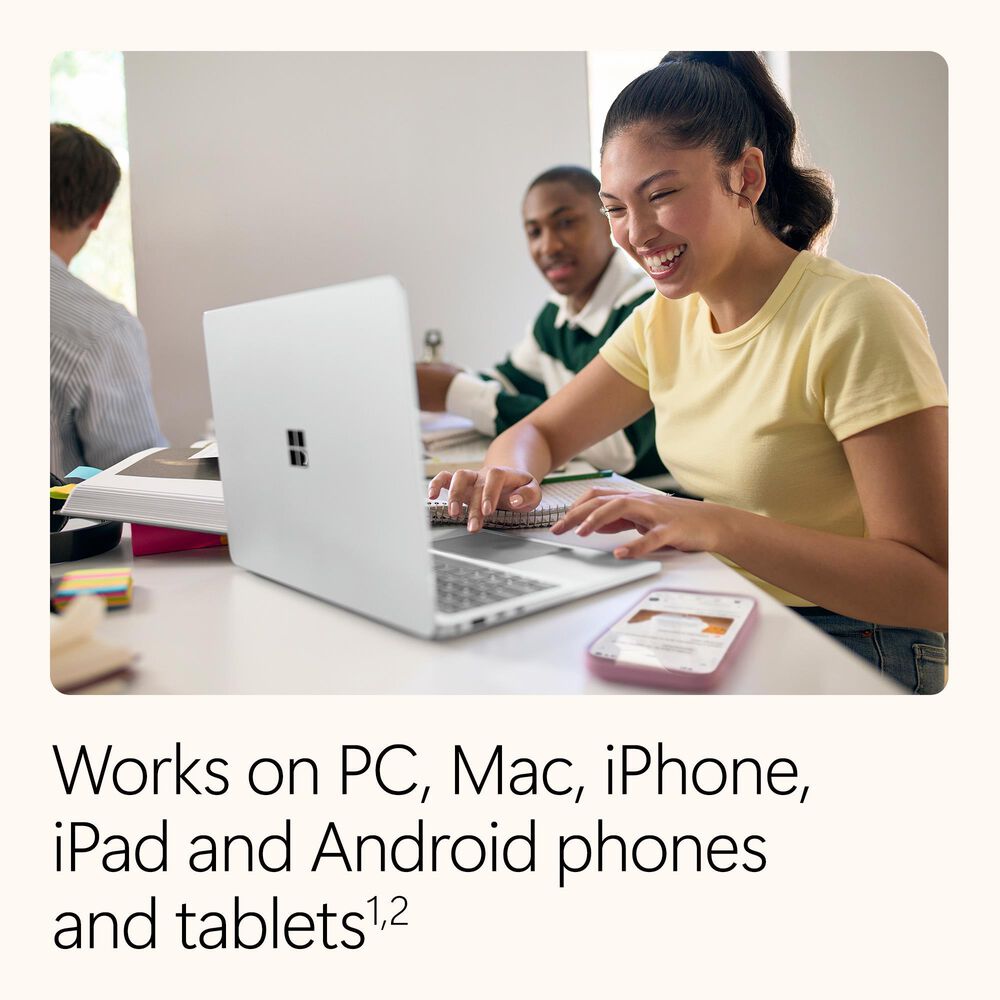
- Works on PC, Mac, iPhone, iPad, and Android phones and tablets. Compatible with
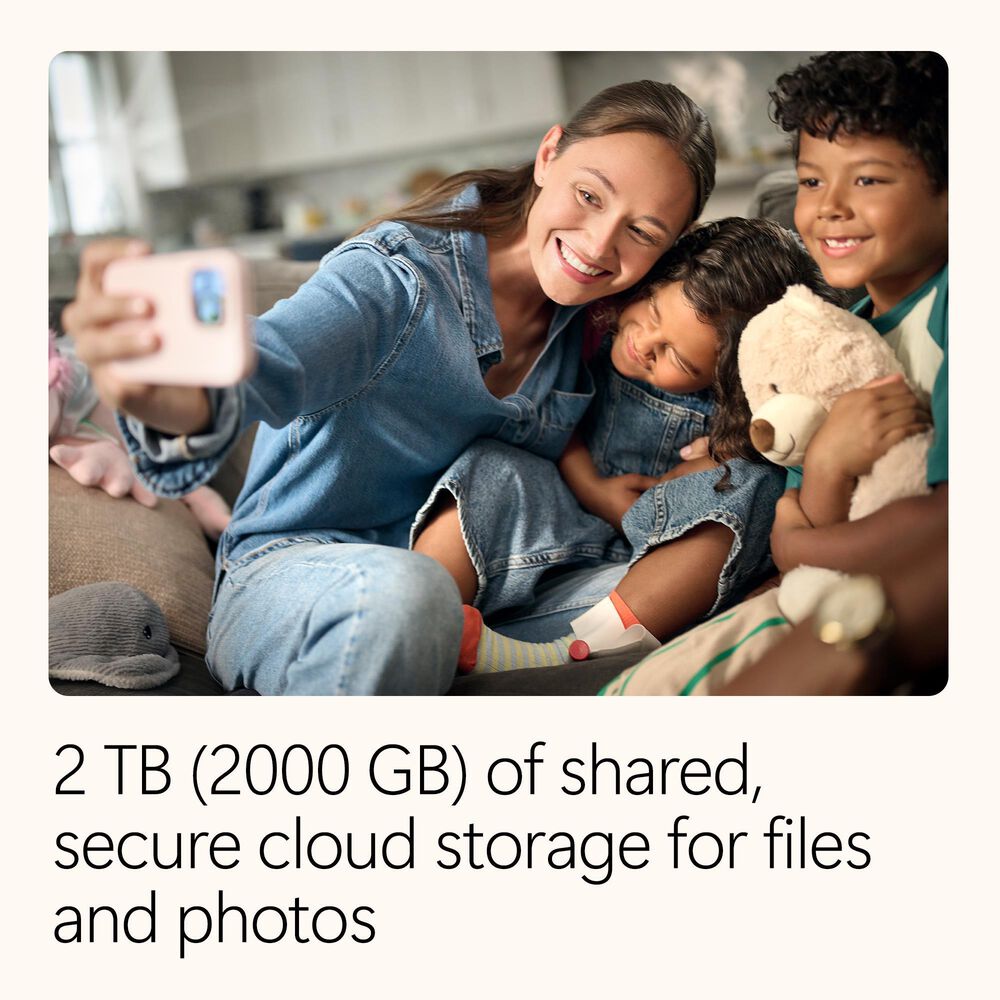
Windows and MacOS. - 2 TB (2000 GB) of shared, secure cloud storage
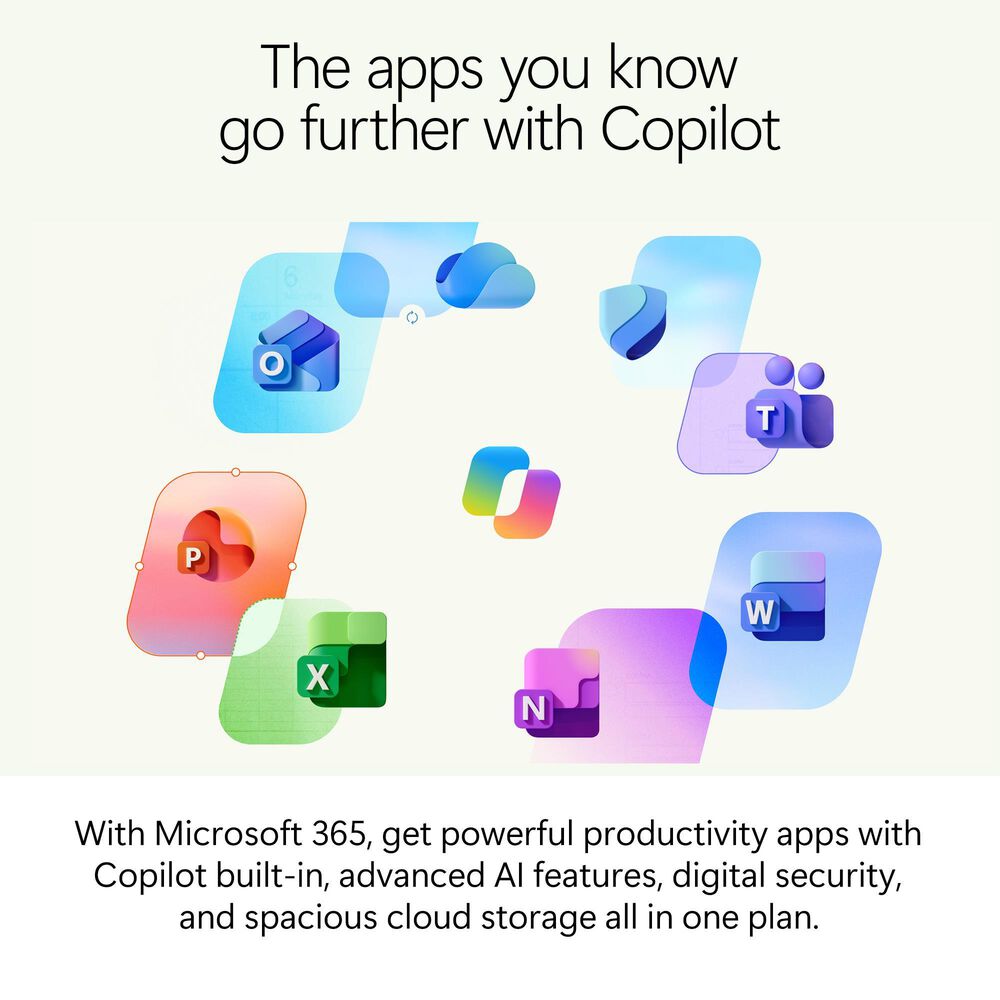
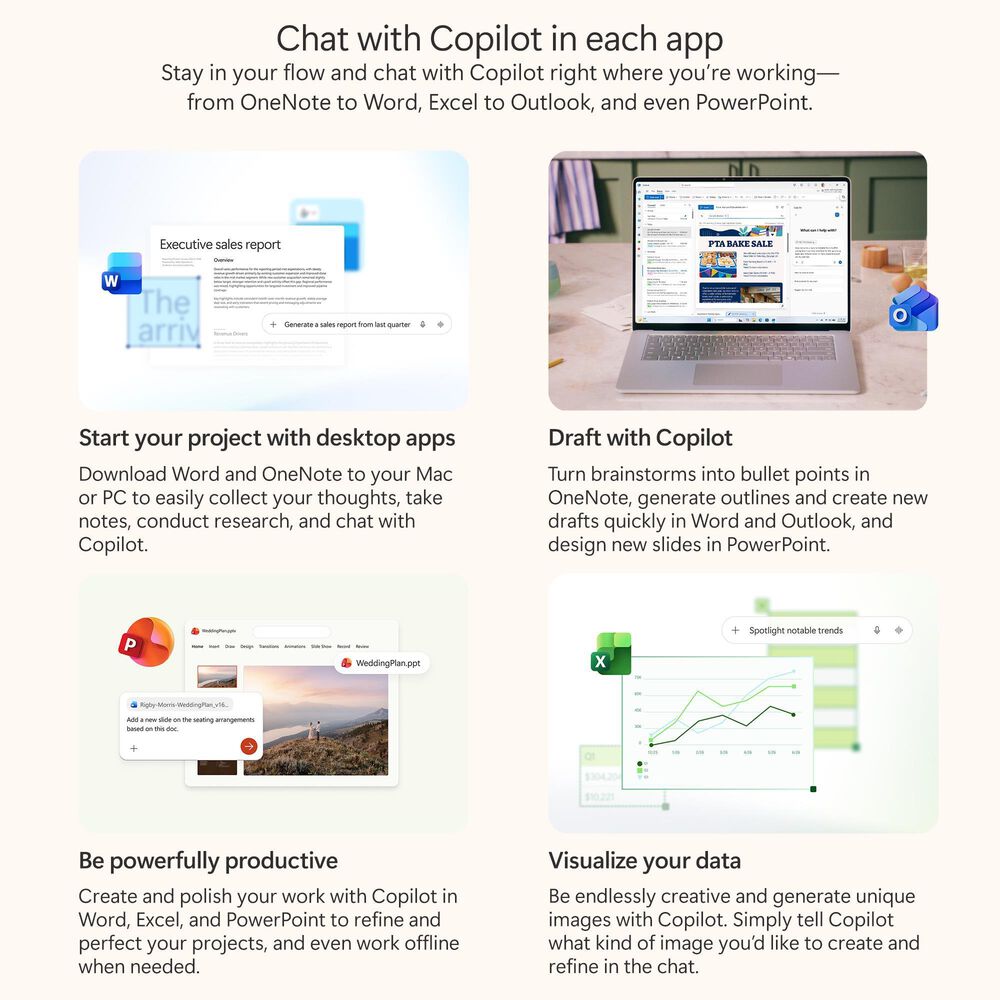
- Word, Excel,[3] PowerPoint, Outlook, and OneNote desktop apps with Microsoft Copilot[2]
- Advanced Copilot chat with higher usage than free for select Copilot features[2]
- Higher usage for AI image creation in Copilot[2]
- Use Copilot in select apps with work files in a secure way[4]
- Microsoft Defender advanced security for your family's personal data and devices[5]
- OneDrive ransomware protection for your family's photos and files
- Microsoft Teams with Copilot[2] to call, chat, and collaborate
- Ongoing support for help when you and your family need it
Disclaimers:
Screens simulated. Features and app availability may vary by region.
[1] App availability varies by device/language. Features vary by platform. System
requirements apply, see aka.ms/systemrequirements.
[2] AI features only available to subscription owner and cannot be shared; usage limits
apply. Learn more. Minimum age limits may apply to use of AI features. Details.
[3] Copilot in Excel requires AutoSave to be enabled, meaning the file must be saved to
OneDrive; it doesn't function with unsaved files.
[4] Employer must have an enterprise subscription that includes Microsoft 365 desktop
apps and have multi-account access enabled (excludes government tenants). Applies to
select AI features in Word, Excel, PowerPoint, and Outlook desktop apps and in select
mobile apps. See details.
[5] Defender is not available in certain regions.
